
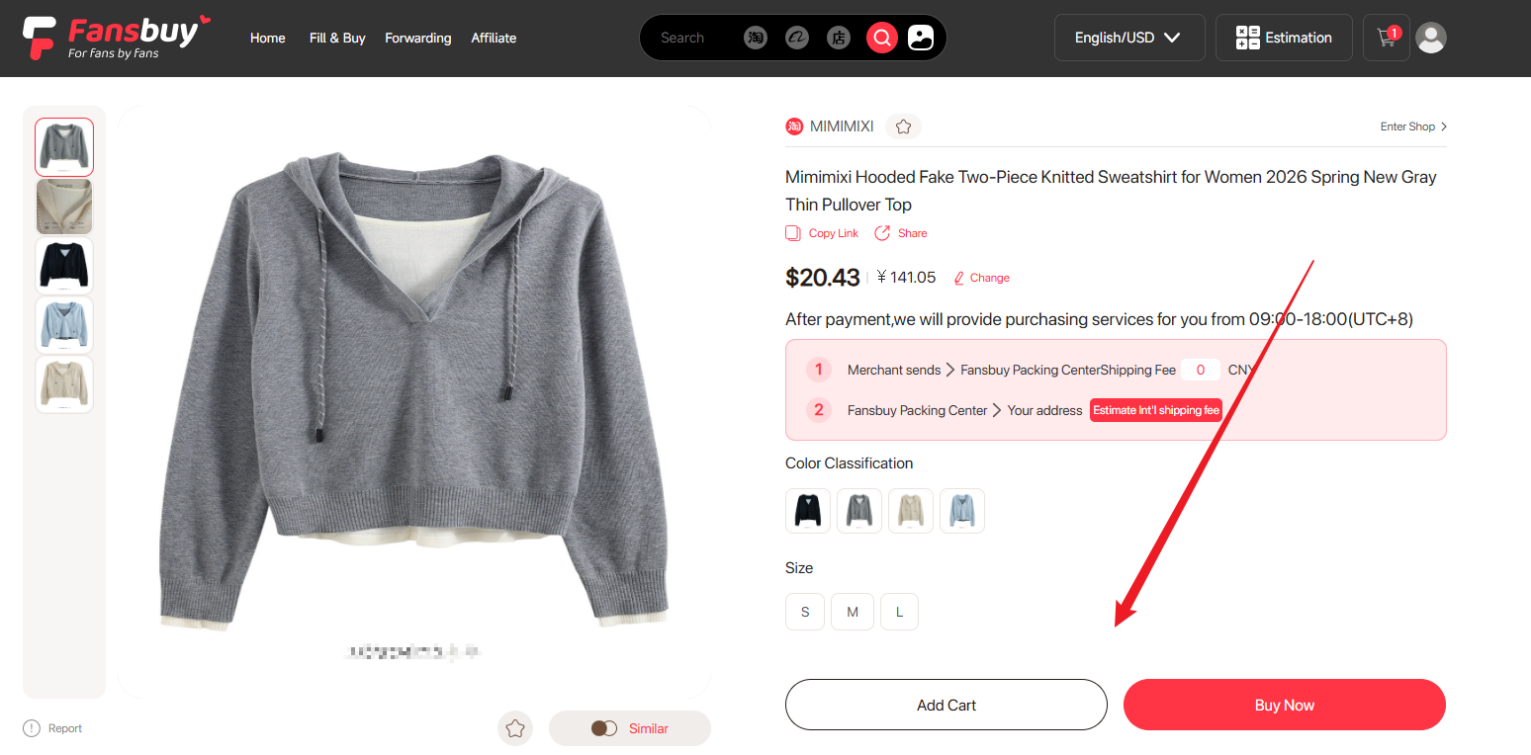
The Fansbuy Spreadsheet helps you decide what to buy by organising product images and source links. A saved find is a starting point: confirm the variant, price and seller terms before asking an agent to buy it.
1. Start with a category or a search
Browse the 16 shopping categories or search by product name. Open the source listing to see the available colours, sizes and current price.
2. Compare the details you need
Check measurements, seller return conditions and route restrictions. A category image or an older review does not prove the condition of your own order; review its warehouse photos after arrival.
3. Continue with the agent
Choose an available agent on the product page, or copy the source link into Fansbuy. The complete buying tutorial shows both search methods, Fill & Buy and the separate product and international shipping payments.