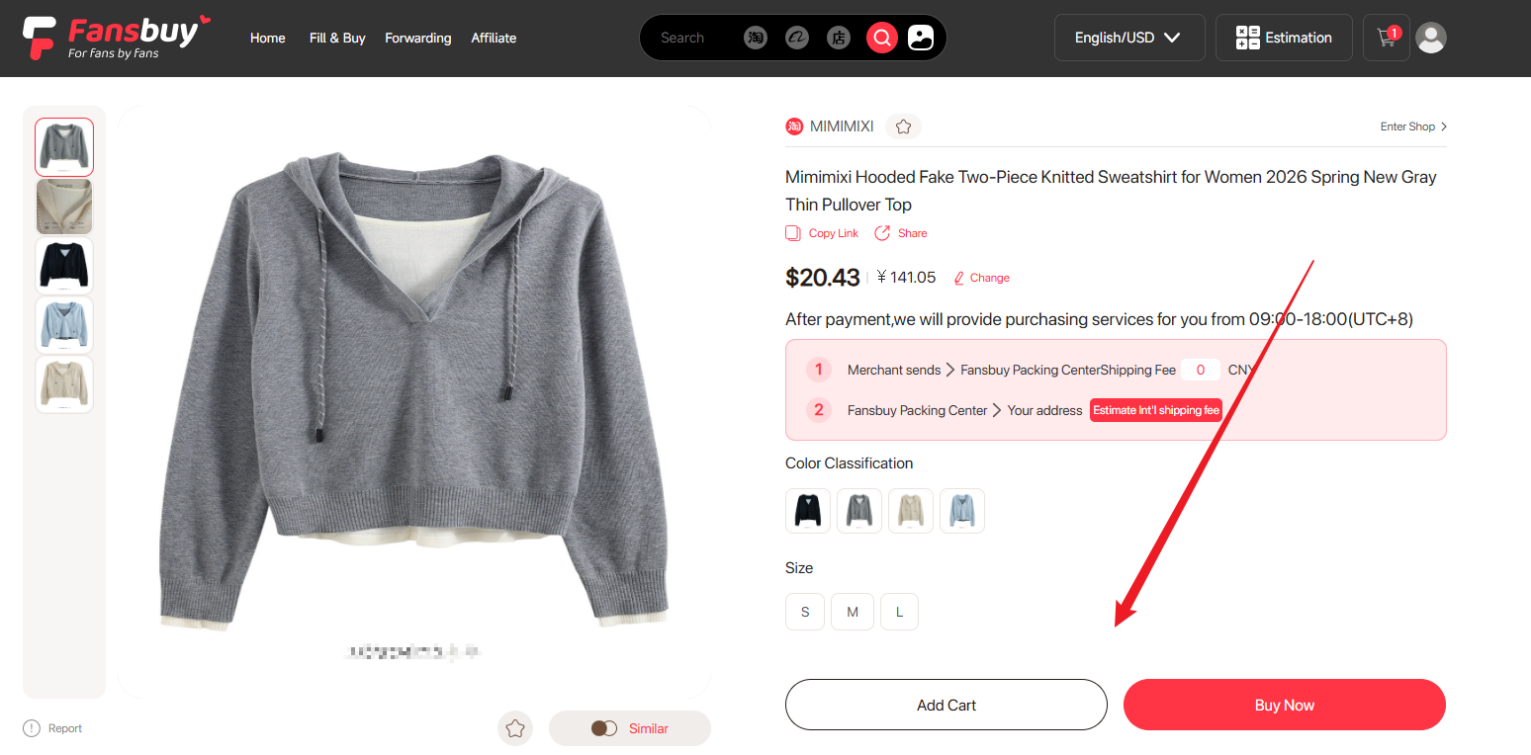

The Fansbuy Chrome extension adds a shopping shortcut to supported seller pages. Select Buy on Fansbuy to open the same item in Fansbuy, then check the colour, size, quantity and seller price.
Use the QC photos before you decide
When photos are available, the extension can show warehouse images from earlier orders for that item. Once your own purchase arrives, review its inspection photos in your Fansbuy Packing Centre.
Watch the extension demo and find the install and download buttons. The Chrome Web Store listing describes supported pages and extension permissions.